
|
Management setting ·
You must have automatic texting or emailing enabled for appointment confirmations within the Auto Texting and Emails setting to use this feature.
For locations that use texting and emailing for appointment confirmations, you can use this setting to enter a customized email subject (up to 80 characters) and add additional text to the body of the email or text (up to 400 characters).
The default email subject for appointment confirmations is:
[Your Location Name] Upcoming [Type] Appointment Appointment Number on Checkout Date and Time.
Example: TSD Motors Upcoming Rental Appointment (R204) on Oct 31 10:36 AM.
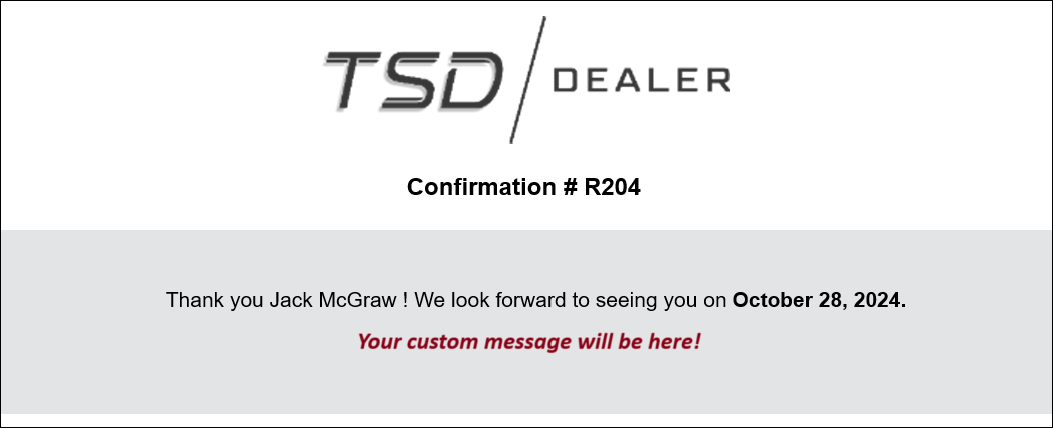
Hover to view the full-sized image.
Note: If the Country Code setting is CA (Canada), which makes regional preferences available, a Language selection field is available within this setting to choose the language (i.e., French or English). The default is your location's Language Preference setting. See "Regional Preferences" to learn more.
© 2026 TSD Rental, LLC